
Media Server › Features › Signed playback links
Only the people you invite can watch
For ticketed events, members-only services and private meetings: a protected stream plays only from a signed link that you or your website made, and only until the time you choose. One link can be limited to a number of devices, so it can't simply be passed around.
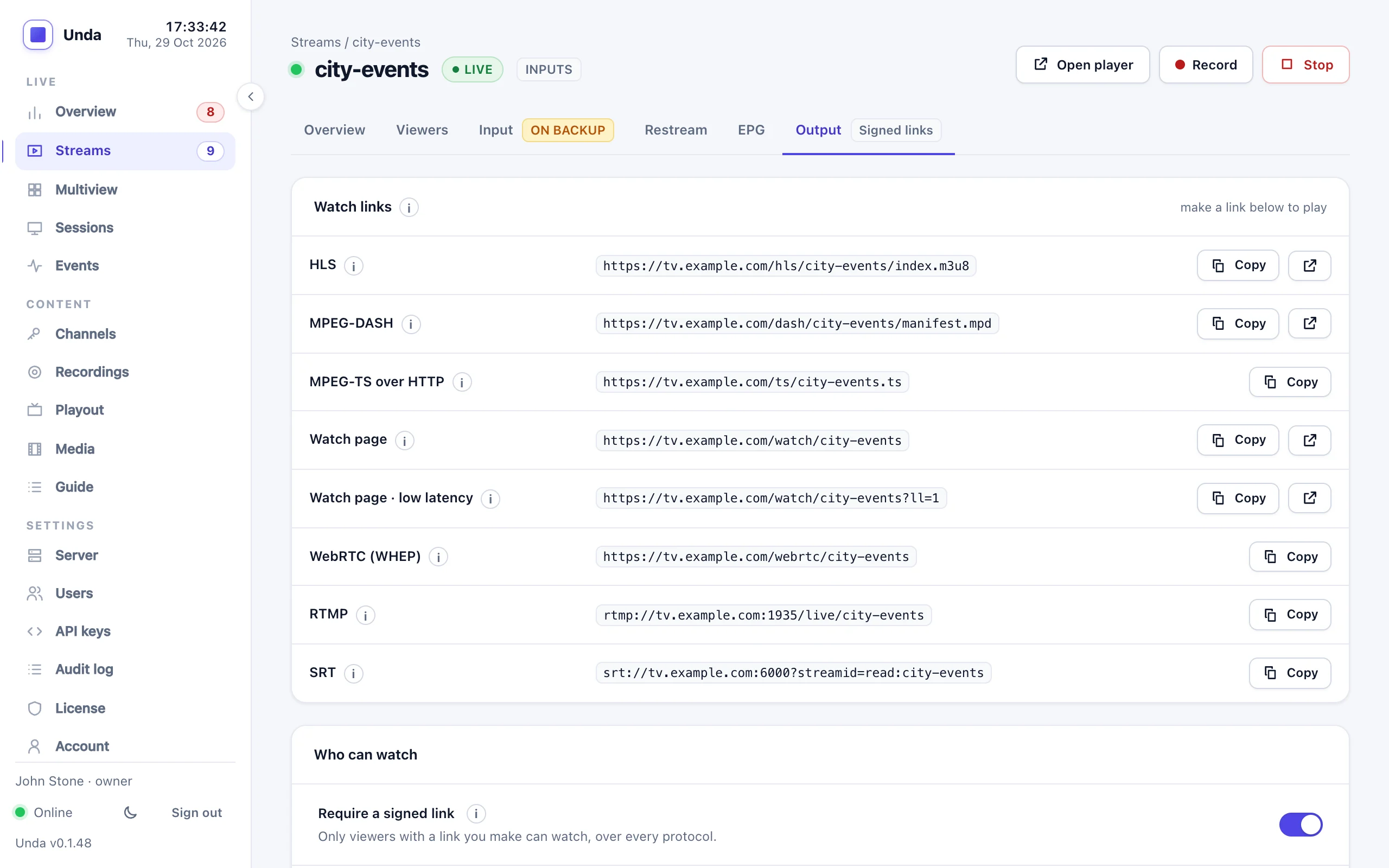
Protect a stream in one switch
Open a stream's Output tab, switch on "Require a signed link", choose how long new viewers can start watching, and make a link to send. Or protect every stream on the server at once.
- Covers every way of watching: the player page, HLS, DASH, RTMP and SRT
- Links from 1 hour to 30 days
- Someone who started in time carries on to the end of the event
- Viewers with an old or altered link see a clear message
Built to be connected to your website
Unda does not take payments. Your website or ticketing system does, and gives each buyer a link that Unda checks.
A viewer buys a ticket
On your website, through the payment provider you already use.
Your website makes a link
A few lines of code sign the stream name and an end time with your server's secret. Examples are in the guide.
Unda checks it
The link plays until its time is up. Without one, or after it, the stream is refused before any video is sent.
Devices per link
- Limit a link to one device, or a number you choose
- The newest device wins; the one pushed off gets a "Watch here" button to take it back
- Per stream, or per link for tickets of different sizes
Security
- Each link is signed for one stream and can't be altered
- Change the secret to cancel every link made with it
- Who protected what, and who saw the secret, is in the audit log
Sell tickets to your live events
Tell us about your events and your website, and we'll help you connect them.