
Media Server › Features › Recording
Keep every service, match and meeting
Press Record on any live stream and Unda keeps a copy on your server while it goes out to viewers. Play it back in the browser, download it for editing, or post it where your audience watches later.
Record, watch back, download
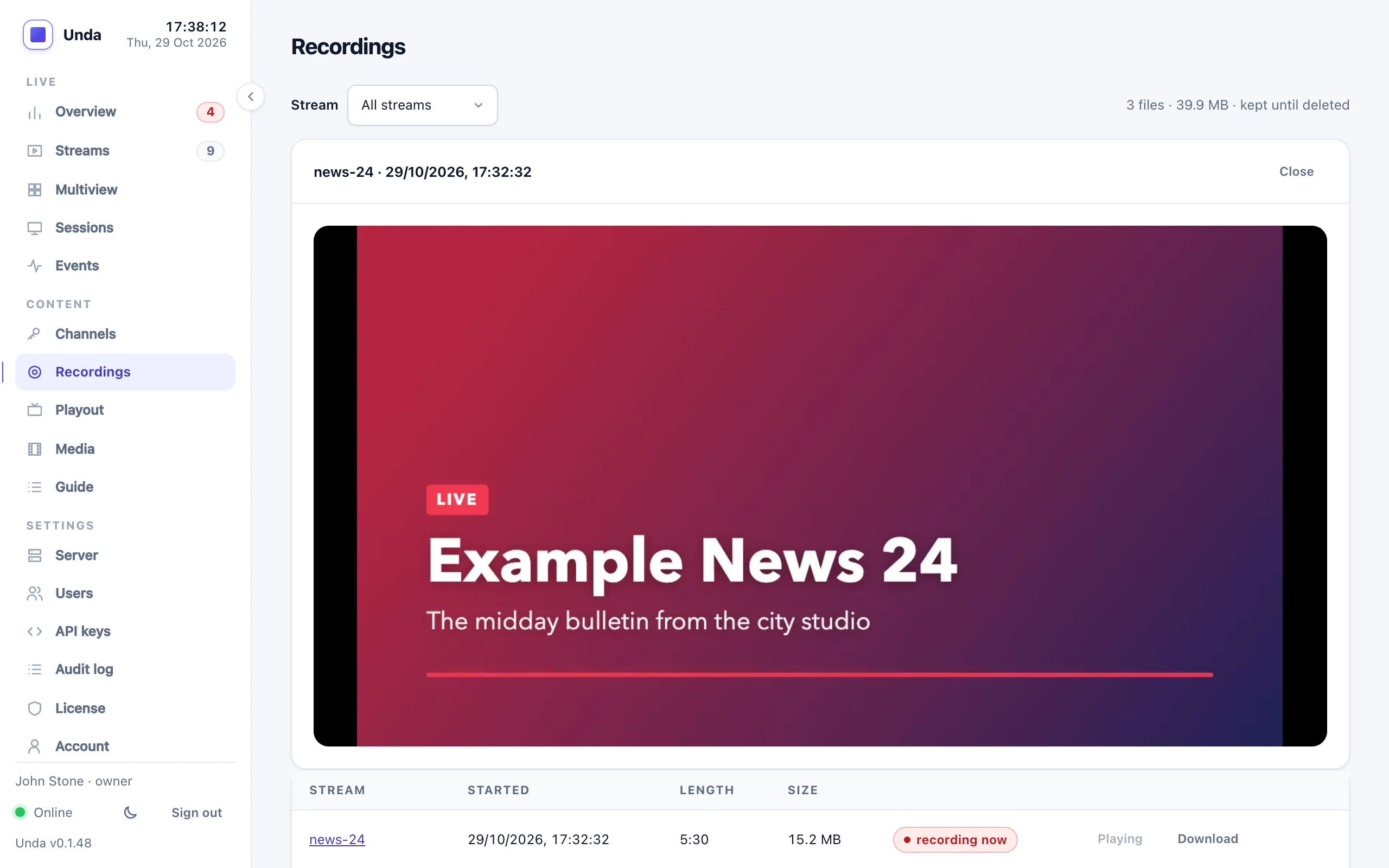
The Recordings page lists every file by stream, with its length and size. Watch a recording in the page with a proper player, or download it.
- One click to start and stop, on any stream, from any protocol
- Player with seeking, speed, frame step and snapshots
- Download for editing; convert to MP4 without re-encoding
- Start and stop from your own scripts through the API
Recordings you can count on
Safe against a crash
Files are written so that a crash or a power cut loses at most the last couple of seconds. Everything before plays.
Never affects the stream
A slow or full disk stops the recording, not the broadcast. Your viewers never notice a recording problem.
Split for you
A long stream becomes one file about every hour, cut at a clean point so each file plays on its own.
Playable while recording
Recordings are MPEG-TS files that play in VLC and most editors, even while they are still being written.
Disk warnings
The dashboard warns when the recordings disk is 85% full, and again at 95%.
Clean-up when you want it
Old recordings can be deleted after a number of days you choose. It is off by default: nothing is deleted unless you ask.
Never lose a broadcast
Tell us what you stream and how long you keep it, and we'll help you plan the storage.